
Connect GitHub
Connect GitHub to let Opheleon import an existing repository and learn your system.
Why connect GitHub
GitHub connection enables:
- Codebase import, so Opheleon learns your existing system
- Re-import to refresh that understanding as the code changes
- Planning grounded in your real code
How to connect
- Open account settings.
- Go to integrations.
- Select GitHub.
- Authorize the GitHub connection.
- Return to Opheleon.
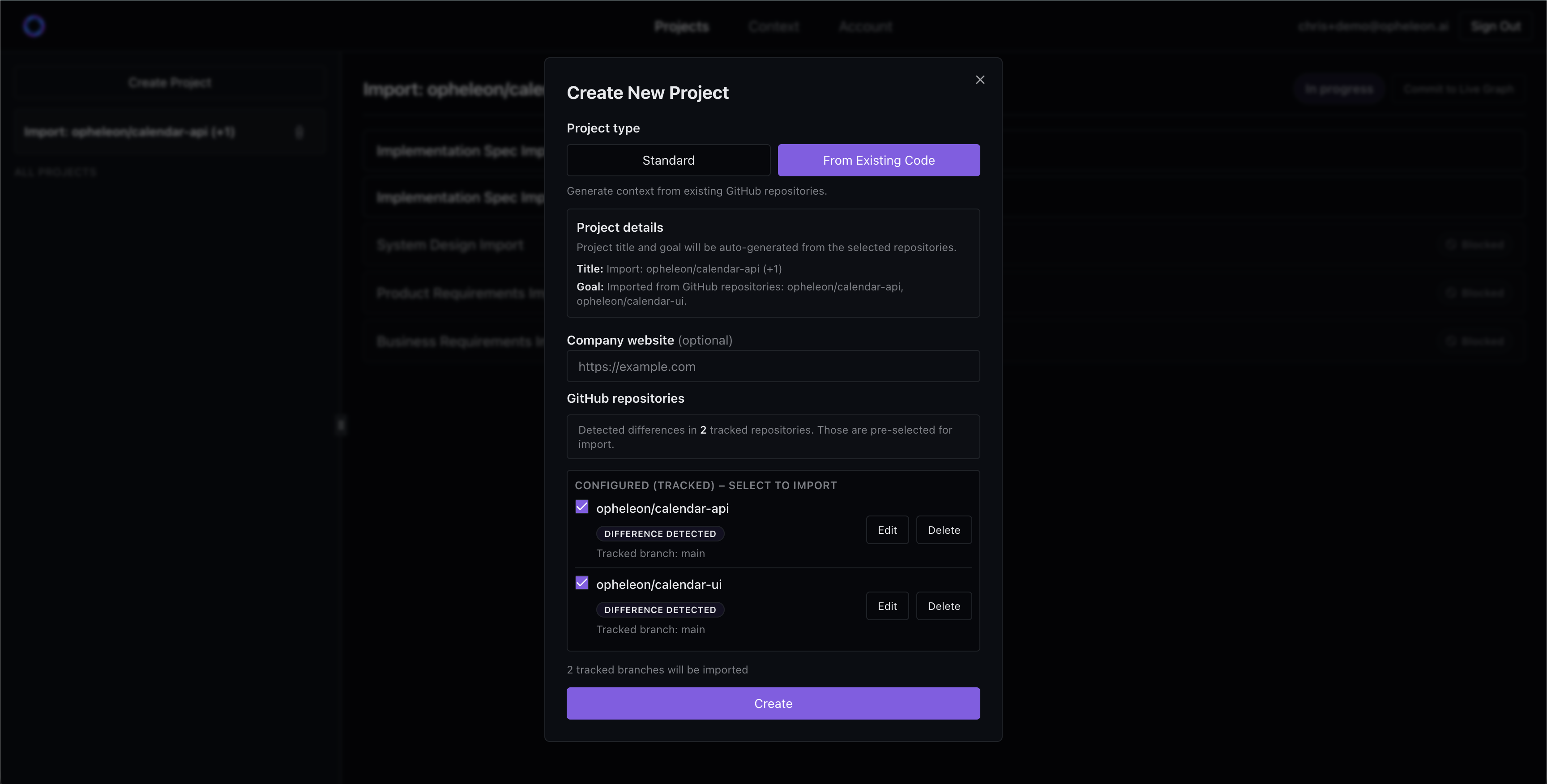
- Choose the repository and branch when creating an import project.
The import runs on its own once connected — there’s no manual mapping for your team to do. Where Opheleon can’t be sure of something, it flags an unknown for you to fill in.
Connect GitHub
Connect GitHub so Opheleon can import your codebase and keep its understanding current with re-import.