
Quickstart
Use this guide to get your first project running in Opheleon.
1. Create or join an account
Your team admin will invite you to Opheleon. After accepting the invite, sign in and open your workspace.
2. Connect your tools
Connect integrations when they are relevant to your workflow. GitHub is useful when you already have an existing codebase that Opheleon should understand before planning future work.
You can also connect a task management tool if you want to export generated tasks into your team’s existing workflow.
3. Choose a project type
Choose the workflow that matches how you want to start:
- Start from a goal for the primary Opheleon workflow: turn an idea into a PRD overlay and a Tech Approach overlay, then into tasks.
- Import from GitHub when you already have a codebase and want Opheleon to learn your existing system before planning future work.
4. Review the generated drafts
Opheleon drafts each layer of the plan. Review the output, give feedback for any changes, and approve the draft when it is ready.
5. Commit the documents
Committing saves the approved version of the document into the project history.
6. Generate implementation tasks
After the implementation plan is ready, Opheleon generates tasks — each with a ready-to-use prompt you can hand to a coding agent — so the plan turns into work your team can execute. You can optionally export them to your task management tool.
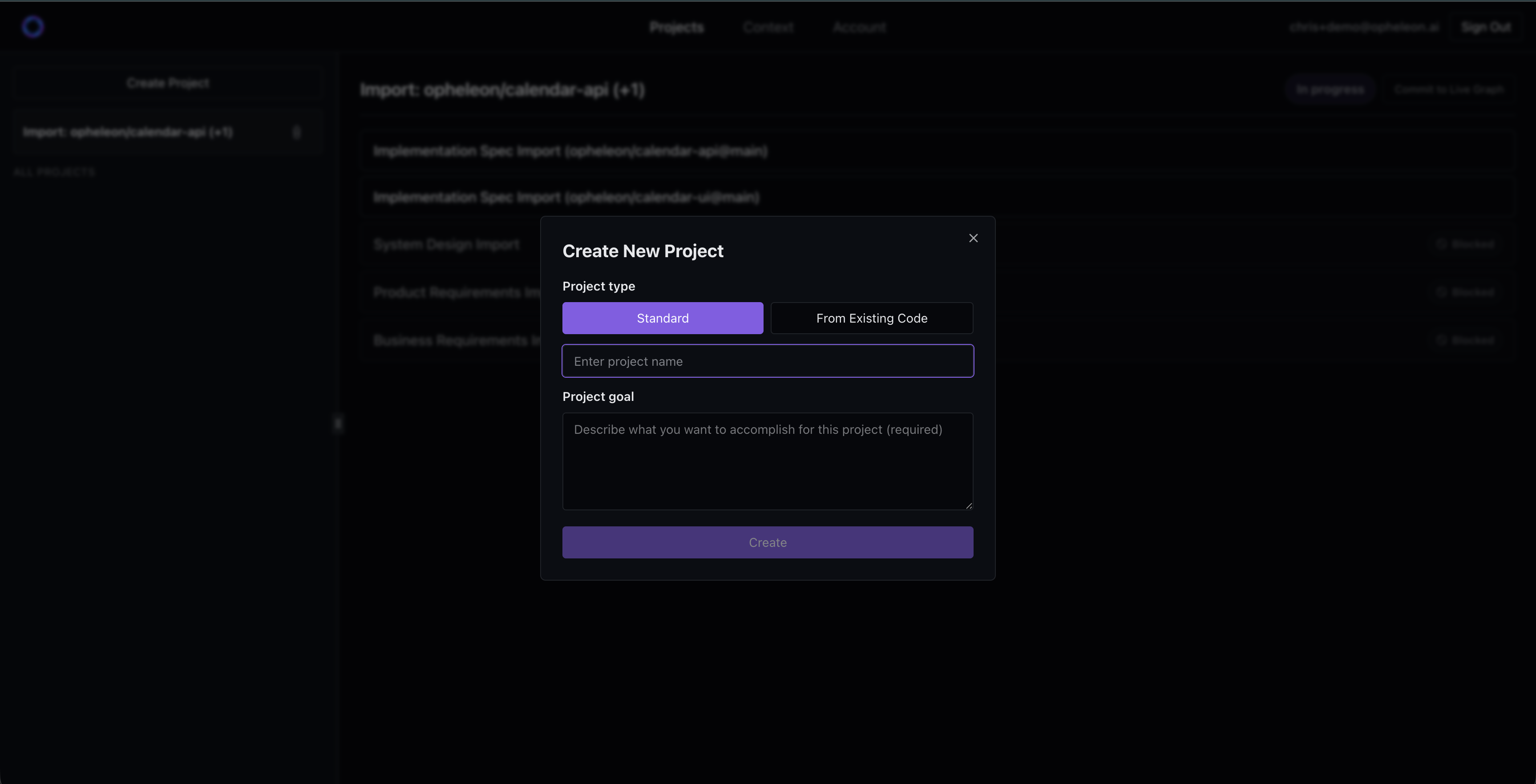
Quickstart project setup
Use the quickstart flow to create or join an account, connect relevant tools, choose a project type, and move through review.