
Edit and Commit Documents
Opheleon documents move through two states: draft and committed.
Drafts
Drafts are editable. You can update them directly, request changes from Opheleon, or keep refining them before approval.
Commits
Committing a document saves the approved version into the project history.
Committed documents become the official version of the plan for that point in the project. Future changes create new versions rather than overwriting the previous one.
Diff view
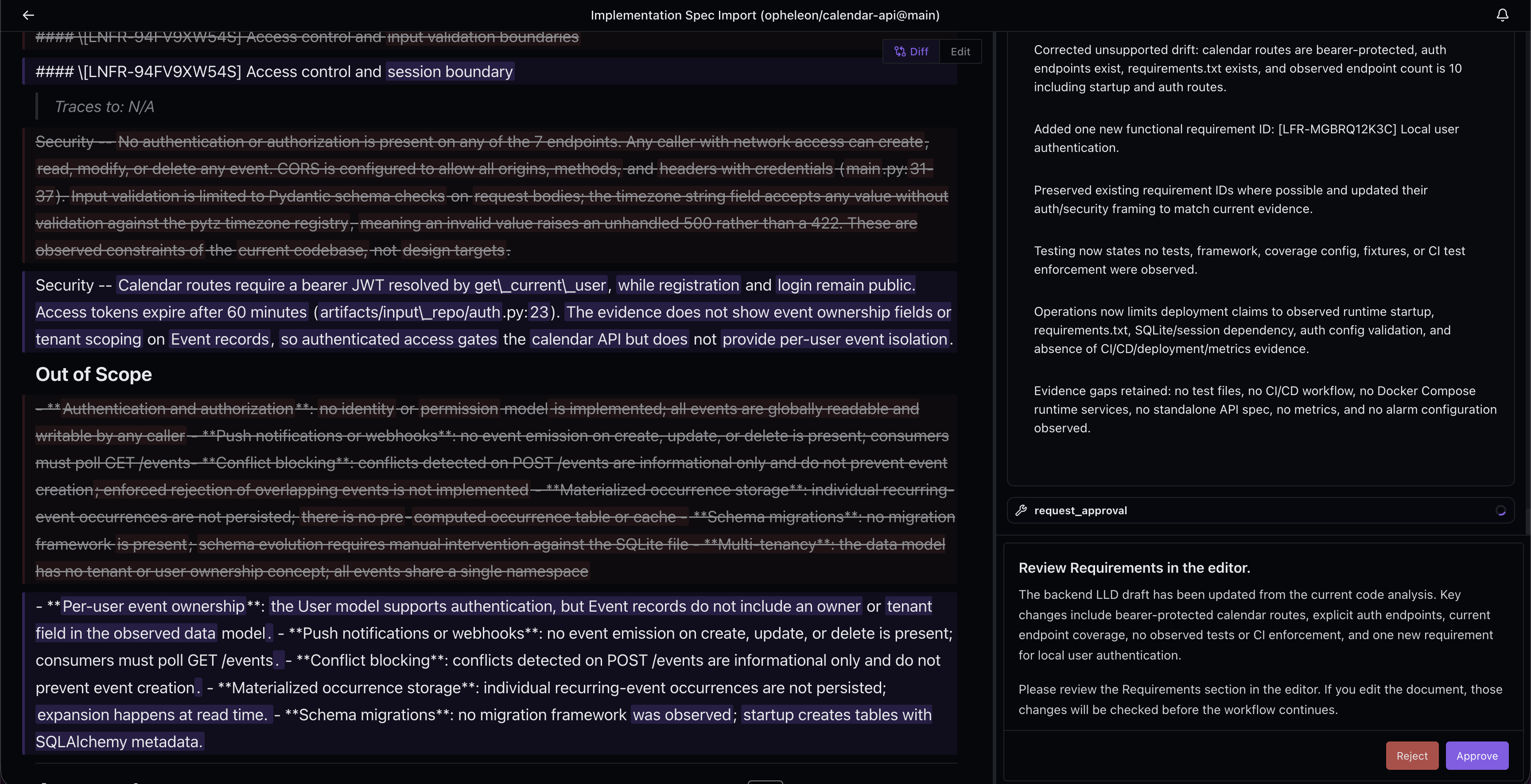
When reviewing changes, use the diff view to compare the current draft against the last committed version.
This is especially useful during a recovery re-import, where the main question is often: what changed since the last approved version?
Commit a planning document
Committed documents become versioned checkpoints for the approved plan.